Your personalized AI tutor.
Turn any document into a structured learning journey in seconds.

The Oga Tutor Workflow
1. Join
Create your account to save your library and track stats.
2. Upload
Drop in your course PDF, textbook chapter, or research paper.
3. AI Magic
Our AI analyzes content to build custom lesson plans.
4. Master
Take adaptive quizzes and monitor your completion rate.
Sign up and centralize your library.
Setting up an account takes less than a minute. Once you're in, you get access to "My Dashboard"—a central hub where all your uploaded PDFs are stored and organized by subject.
![[UI Illustration: Dashboard interface preview]](https://learn.ei.academy/static/courseboard/images/dashboard.png)
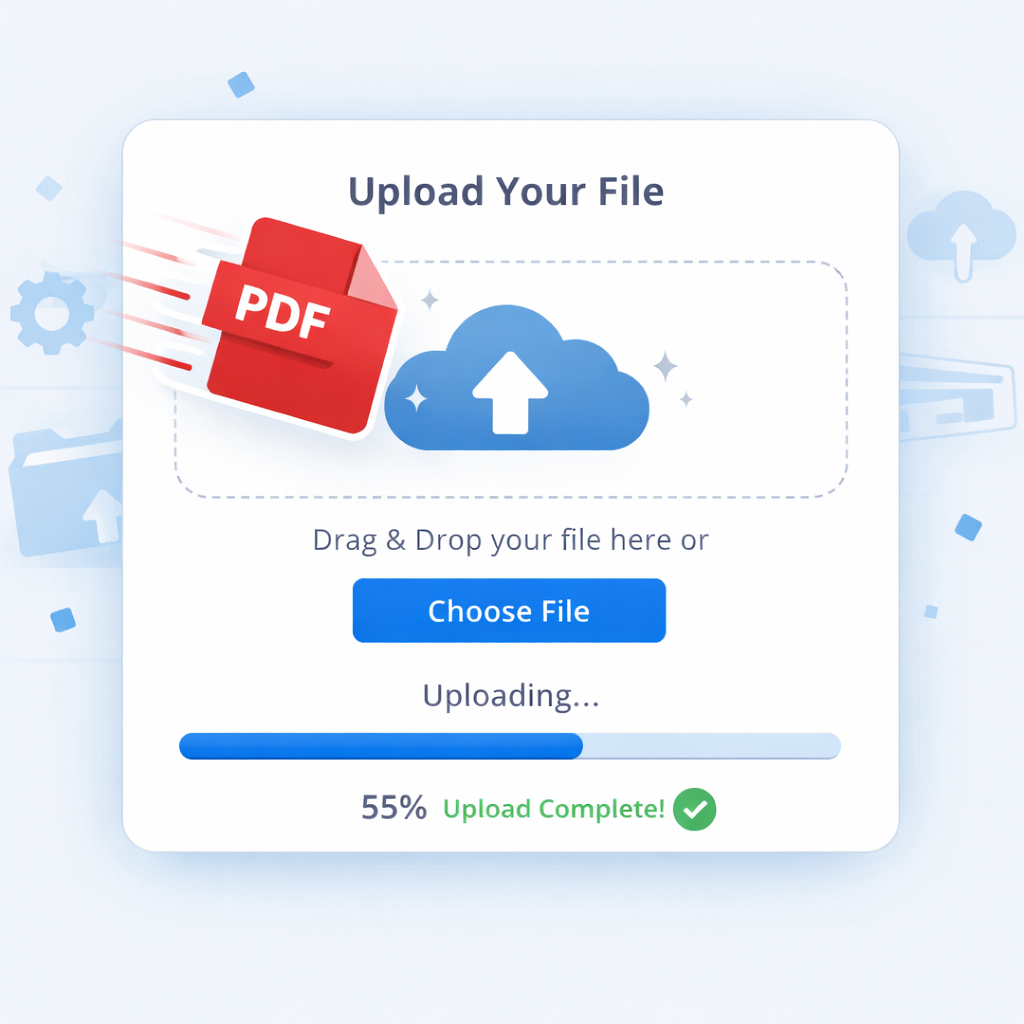
Upload your PDF, we do the reading.
Click the upload button and select your study material. Our AI doesn't just "see" text; it understands context. It identifies key concepts, definitions, and complex theories within your document.
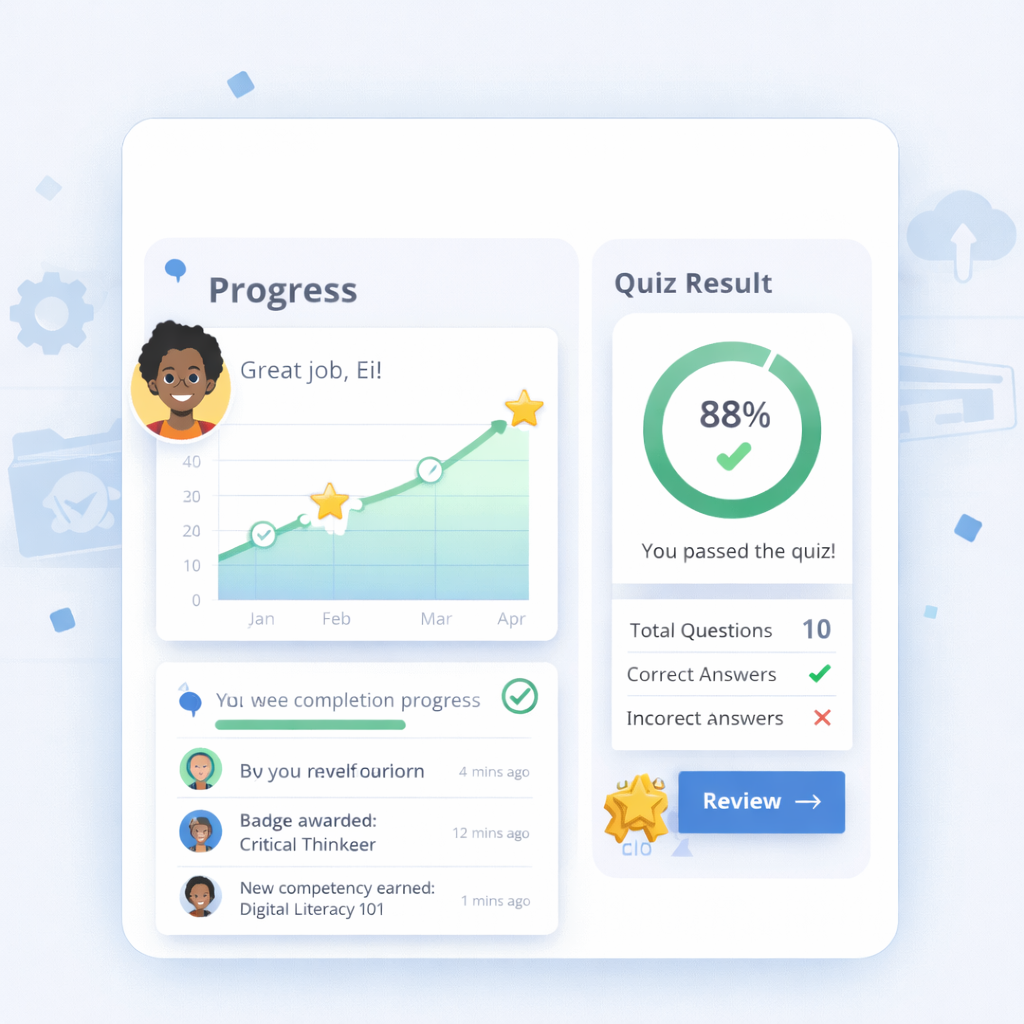
Interactive quizzes & tracking.
Based on the PDF, Oga Tutor generates lesson plans and quizzes to test your knowledge. As you finish lessons and ace quizzes, your **completion progress data** updates in real-time.
Ready to start learning?
Experience the power of an AI tutor built around your materials.